

Compatibility
Is your phone eSIM compatible?
Most newer iPhone, Pixel, and Samsung devices support eSIM. Use this page to confirm your device is ready, then buy a plan and activate in minutes.
What you need for eSIM to work

An eSIM-capable device
Your phone must support eSIM (embedded SIM). Many models do—especially recent releases.
Unlocked or eSIM-enabled by your carrier
Some devices are carrier-locked. If you can’t add an eSIM, ask your carrier to unlock or enable eSIM.
A stable internet connection for setup
Install and activate your eSIM over Wi‑Fi or mobile data before you travel (recommended).
Compatibility FAQs
Quick answers to the most common device and activation questions.
How do I check if my phone supports eSIM?
Look for an “Add eSIM” option in your cellular settings, or search your exact model name + “eSIM” in the manufacturer specs.
Do I need an unlocked phone?
Usually, yes. A carrier-locked phone may block adding a new eSIM. If you’re unsure, contact your carrier and ask if your device is unlocked for eSIM.
Can I keep my physical SIM and use OneTap eSIM for data?
In most cases, yes. Many phones support Dual SIM (physical SIM + eSIM) so you can keep your number while using eSIM data.
When should I install the eSIM?
Install before you travel while you have reliable Wi‑Fi. Then turn on the eSIM line when you arrive (or when you want to start the plan).
Will eSIM work on tablets or laptops?
Some cellular tablets and laptops support eSIM. If your device has an eSIM option in cellular settings, it may work—check the manufacturer specs for your exact model.
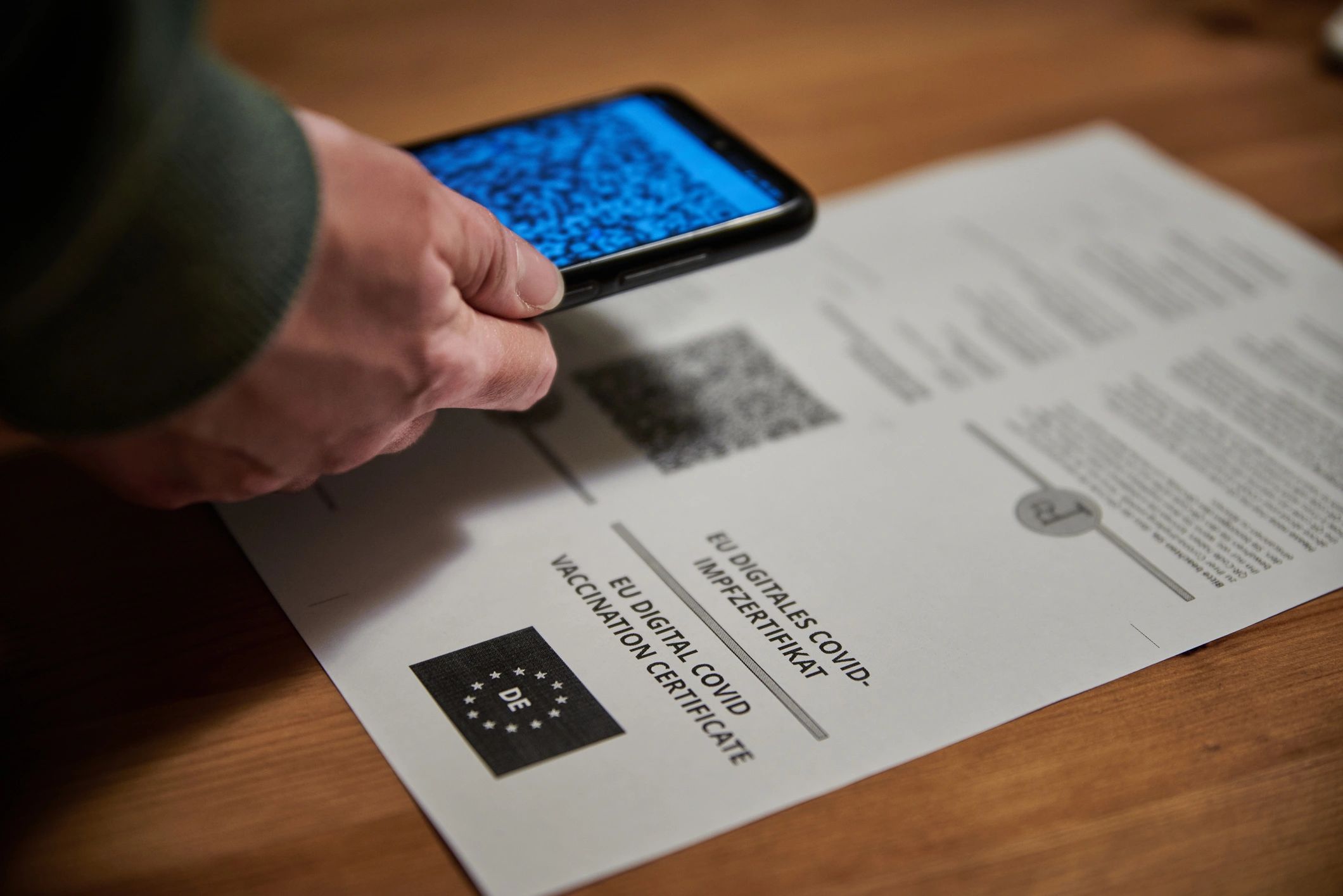
What if I can’t scan the QR code?
You can usually enter the activation details manually. If you’re stuck, contact support and we’ll help you get connected.
Ready when you are
Choose a plan and activate in minutes
Pick your destination, complete checkout, and get instant eSIM delivery. Need help? Our support team is here.