

OneTap.Global Help Center
Frequently asked questions about travel eSIMs
Get quick answers on compatibility, activation, coverage, and troubleshooting—so you can get online in minutes.
Top questions (with quick, practical answers)
If you’re new to eSIMs, start here. For step-by-step setup, see How It Works.
What is an eSIM, and how is it different from a physical SIM?
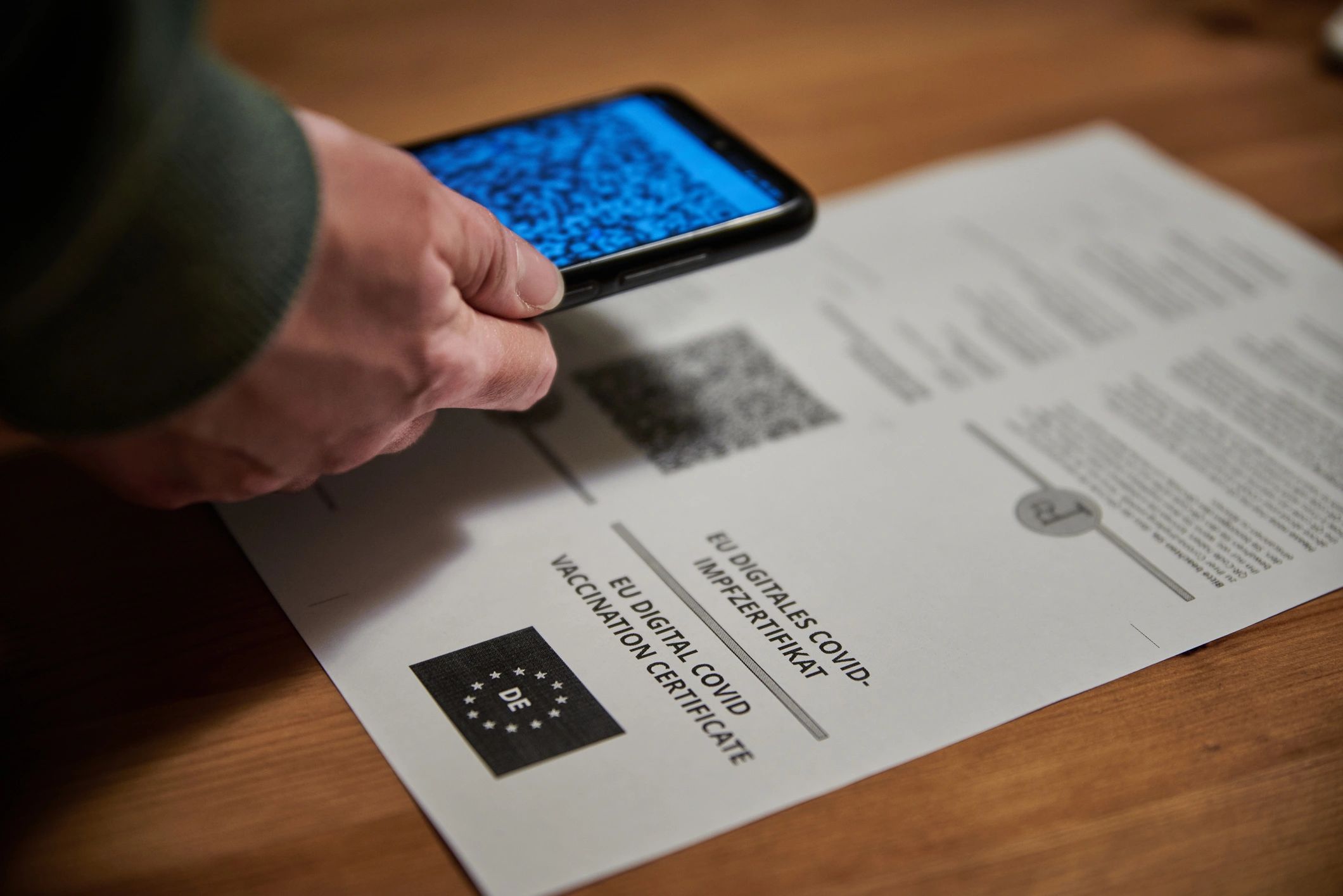
An eSIM is a digital SIM built into your phone. Instead of swapping a plastic card, you install a plan by scanning a QR code or adding it in your device settings.
How do I activate my OneTap.Global eSIM?
After purchase, you’ll receive installation details instantly. Install the eSIM, turn it on for cellular data, and enable data roaming for the eSIM line when you arrive (if required by your device).
Will my phone work with eSIM?
Most newer iPhone, Pixel, and Samsung devices support eSIM. Check the full list on our Compatibility page before you buy.
Can I keep my main number for calls and texts?
Yes. You can keep your primary SIM/eSIM for calls and SMS while using OneTap.Global for mobile data (dual SIM). Your device lets you choose which line handles data.
Plans, coverage, and usage
Details that help you choose the right plan and avoid surprises.
When does my plan start?
Plan start rules vary by product. Many plans begin when you connect in the destination; others start at installation. Check the plan details on the product page before checkout.
What countries are included in a regional or global plan?
Each plan lists included countries and networks. Review the coverage list on the plan page to confirm your destinations are supported.
Is hotspot/tethering supported?
In most cases, yes—your phone can share data via hotspot. Some networks may restrict tethering, so performance can vary by destination.
Can I top up or extend my data?
If your plan supports top-ups, you can purchase an additional plan anytime from the Shop. Many travelers keep a backup plan ready for longer trips.
How fast is the data?
Speed depends on local network availability and congestion. Where supported, you may get LTE/4G/5G—check the plan details for expected network types.
Do I need Wi‑Fi to install the eSIM?
Yes—use Wi‑Fi (or an existing connection) to download and install the eSIM profile. After installation, you can switch to the eSIM for mobile data.
Ready to get connected?
Buy an eSIM in minutes—activate when you travel
Choose a plan for your destination, get instant delivery, and go online without hunting for a local SIM.