
Travel Tips
Guides to help you get connected fast
Quick, practical articles on installing your eSIM, estimating data needs, and staying online abroad.

Travel Tips
eSIM travel guides & quick fixes
Practical, no-fluff tips to help you install, activate, and use mobile data abroad—fast.


Travel tips for staying connected
Smarter travel starts with reliable data
Use these quick tips to avoid roaming surprises, keep your number secure, and get online fast with a prepaid travel eSIM.
Before you go
4 essentials to set up in 5 minutes

Install before you fly
Add your eSIM while you still have stable Wi‑Fi. Activation is smoother and you’ll land ready to connect.

Pick the right coverage
Choose a plan that matches your destination(s) and trip length—then top up anytime if you need more data.
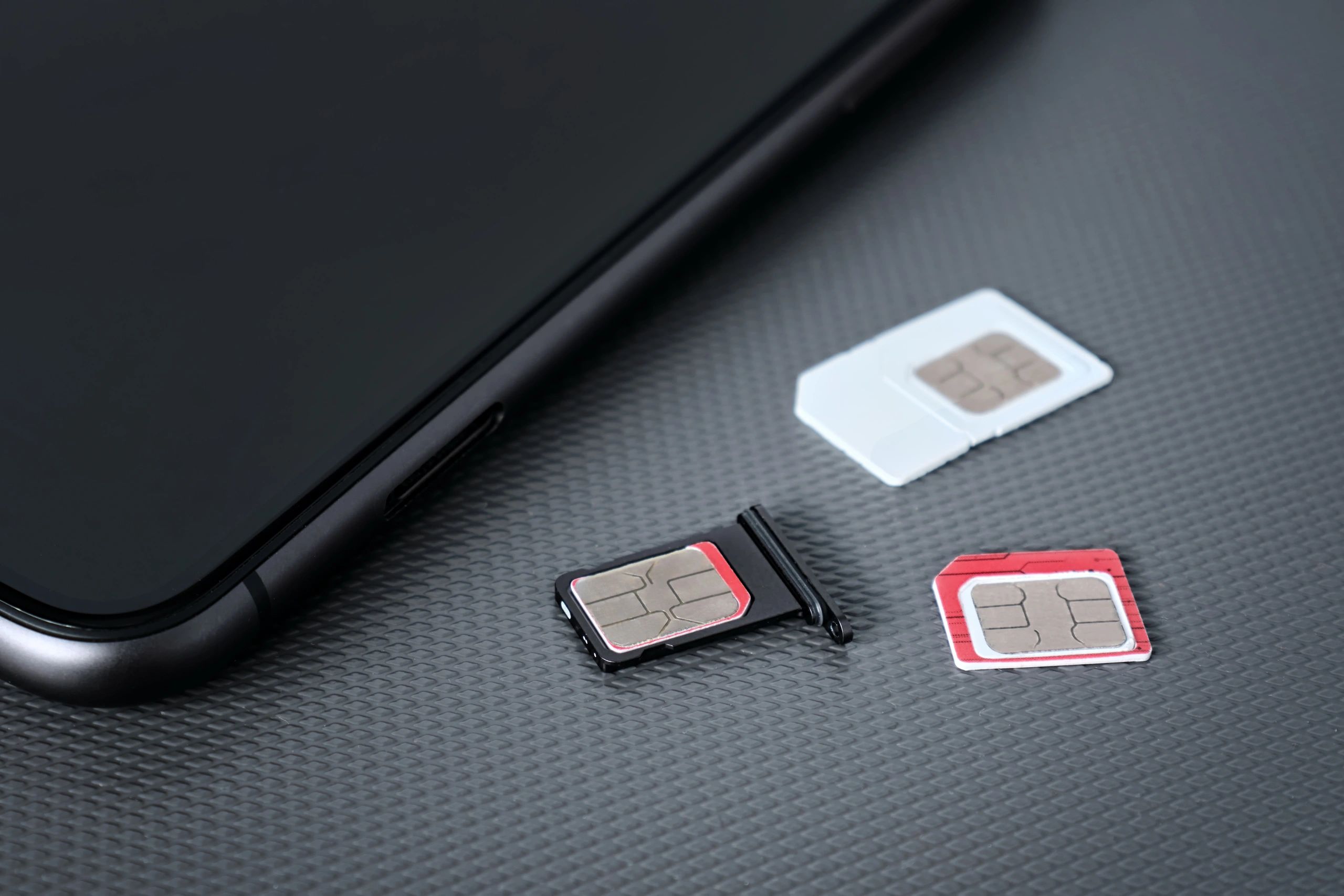
Confirm your device supports eSIM
Check eSIM compatibility and carrier unlock status to avoid last‑minute setup issues.

Save support info offline
Screenshot your QR code and setup steps, and keep support links handy in case you switch devices.
On arrival
Connect fast and stay secure
A few small settings can make a big difference for speed, battery, and privacy while you travel.
✔
Use eSIM for data, keep your main SIM for calls
Set your OneTap.Global eSIM as Cellular Data and keep your primary line active for iMessage/WhatsApp and 2FA when needed.
✔
Turn off data roaming on your primary line
Avoid surprise charges by disabling roaming on your physical SIM (or main eSIM) and leaving it for voice/SMS only.
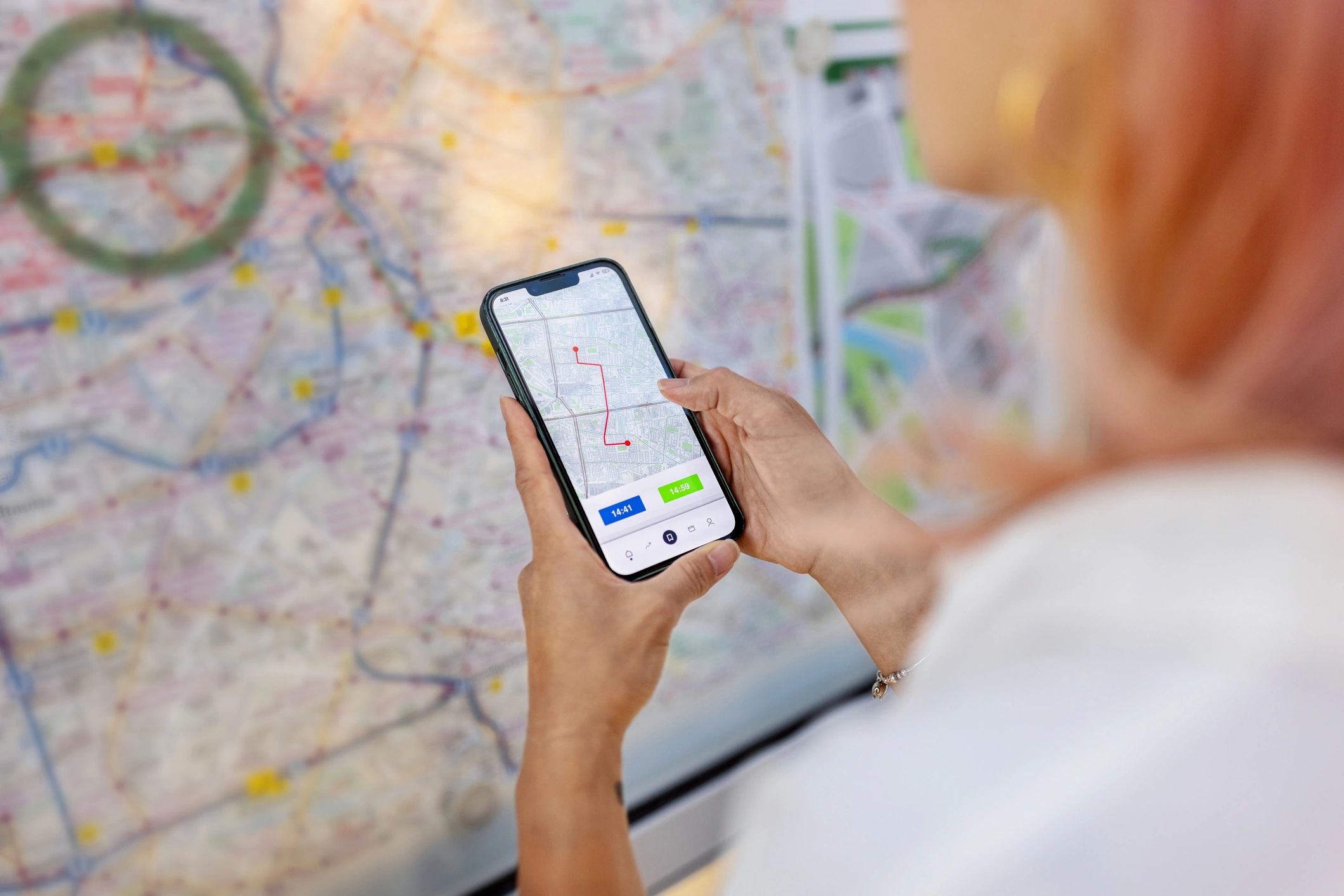
Quick checklist for every trip
Save these reminders before you pack—especially if you’re visiting multiple countries or working remotely.


Travel eSIM FAQs (quick answers)
Common questions travelers ask before switching to an eSIM.
When should I activate my eSIM?
Install it anytime, but activate right before departure or when you land—depending on your plan. If you’re unsure, activate on stable Wi‑Fi.
Will my phone number change?
Your OneTap.Global eSIM is for data. You can keep your primary SIM active for your usual number while using the eSIM for internet.
Can I use hotspot/tethering?
Most devices support hotspot with eSIM data. If you rely on tethering for work, test it once before your trip.
What if I run out of data?
Choose a larger plan upfront or top up by purchasing another plan in the Shop.
Do I need Wi‑Fi to install?
Yes—installation requires internet. Download your QR code and keep it accessible offline in case you need to reinstall.
Is eSIM secure?
It’s generally more secure than public Wi‑Fi. Still, use a strong passcode, enable device find features, and avoid unknown hotspots for sensitive logins.

Ready for your next trip?
Get connected in minutes with OneTap.Global
Pick your destination, check out securely, and activate instantly—no physical SIM and no waiting.
Latest tips
Start here, then dive into the topic you need.
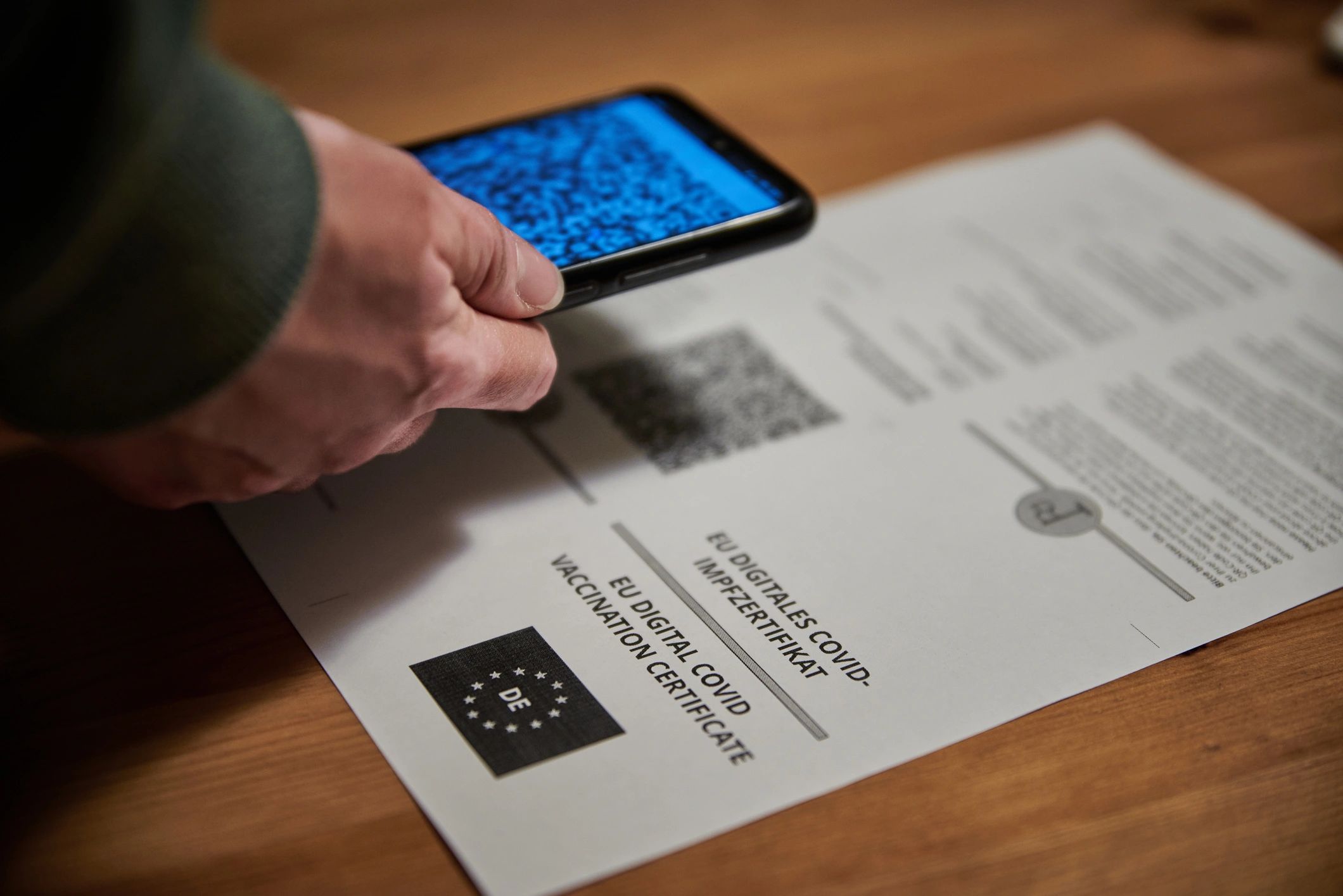
How to install an eSIM
QR install, manual install, and the settings that matter.

Troubleshooting: eSIM not activating
Quick checks to get online—roaming, line settings, APN, and restarts.
How much data do I need for my trip?
Simple estimates for light, moderate, and heavy usage.

Best practices for using data abroad
Save data, avoid roaming charges, and stay connected reliably.
iPhone vs Android eSIM setup
Where to find eSIM settings and how dual SIM works on each.

Need help right now?
Contact support and we’ll help you get connected.
Featured guides
Start with the essentials—then explore more tips below.
How to install an eSIM
Step-by-step setup for iPhone and Android, plus what to do before you fly.
Troubleshooting: eSIM not activating
Common fixes for activation issues, including network selection and APN checks.
How much data do I need for my trip?
Estimate your data needs based on trip length, apps, and travel style.
More tips
More travel data guides
Best practices for using data abroad
Save data, avoid surprise charges, and keep your connection stable.
iPhone vs Android eSIM setup
Key differences in menus, QR installs, and switching lines.
Check compatibility before you buy
Make sure your device supports eSIM and is unlocked.
Need help right now?
Get fast answers from our support team.
Get started
Ready to get online in minutes?
Choose a plan, install your eSIM, and connect as soon as you land.