

How it works
Get online worldwide in minutes with OneTap.Global eSIM
Pick a plan, receive your eSIM instantly, install it in a few taps, and connect as soon as you land—no physical SIM, no waiting.
A simple 4-step setup—before you travel or after you land
OneTap.Global eSIM plans are prepaid and delivered digitally. Most customers are connected in under 5 minutes once they’re ready to install. No shipping, no SIM swaps, and you can keep your primary number active for calls and texts (carrier-dependent).
How OneTap.Global works
From checkout to connection, here’s what to expect.

1) Choose your destination
Browse regional and country plans with clear coverage and data options.

2) Checkout securely
Pay online and receive your eSIM details instantly by email.
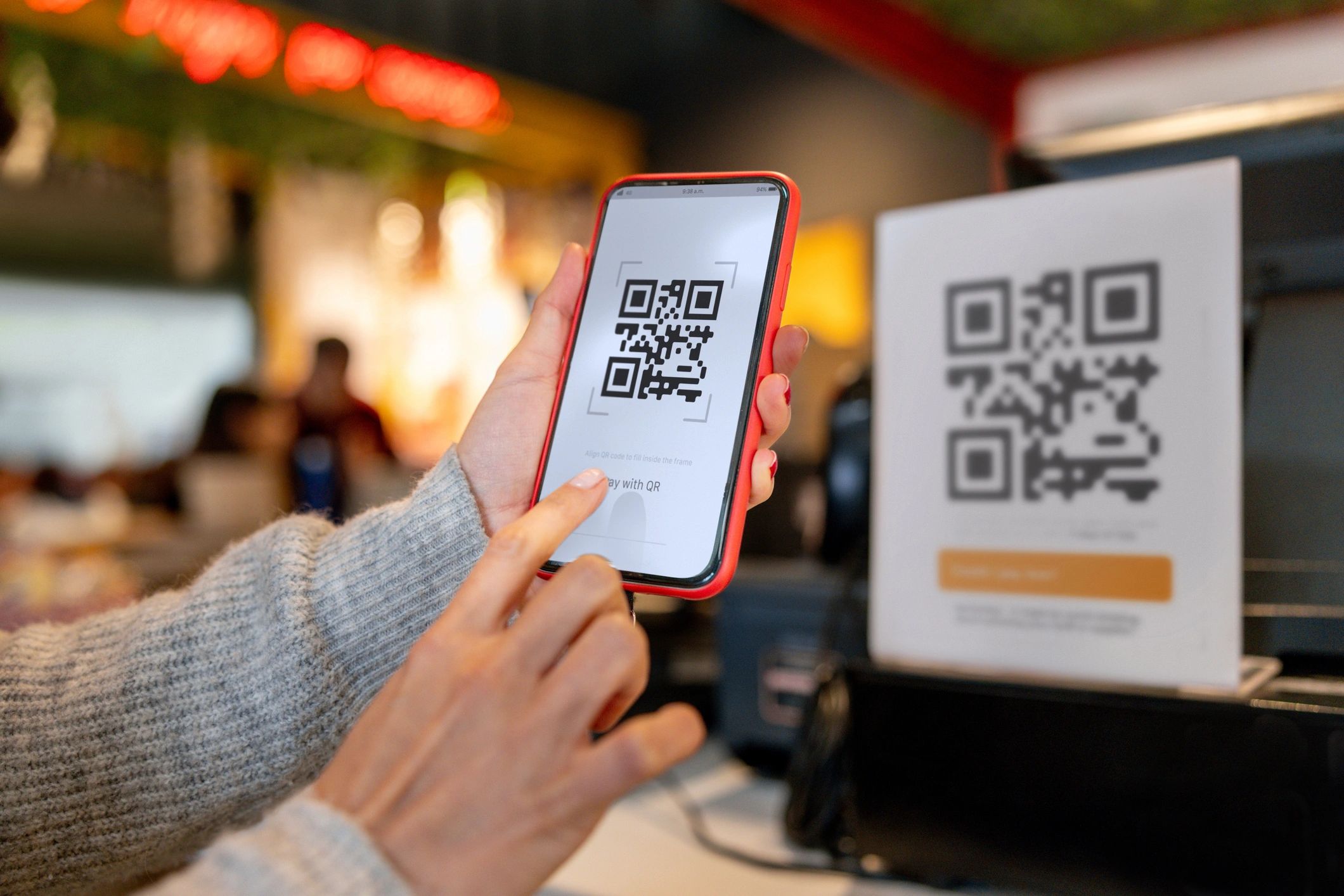
3) Install your eSIM
Scan the QR code or add the eSIM in your phone settings. Save the QR for later.

4) Turn on data when you arrive
Select the OneTap eSIM for cellular data, enable data roaming (if required), and you’re online.
Before you install: quick checklist

Confirm your phone supports eSIM
Most newer iPhone, Pixel, and Samsung devices are compatible. Check your model before purchase.
Ensure your device is unlocked
Carrier-locked phones may block eSIM installation. If you’re unsure, check with your carrier.
Have Wi‑Fi ready for installation
You’ll need an internet connection to download the eSIM profile. Install at home or on airport Wi‑Fi.
Common questions
Answers to the most common setup and usage questions. For more, visit the full FAQ page.
When will I receive my eSIM?
Right after purchase—your QR code and setup details are delivered digitally (typically by email).
Do I need to scan the QR code while traveling?
No. You can install before your trip and simply turn on the eSIM for data when you arrive.
Will my primary SIM still work?
Usually yes. You can keep your primary line for calls/texts and use the OneTap eSIM for data (device and carrier dependent).
Do I need to enable data roaming?
Some plans require data roaming to connect to partner networks. Your setup email will specify what to enable.
Can I top up or extend my plan?
If a top-up is available for your plan, you can purchase another plan anytime and install/activate as needed.
What if I get stuck during activation?
Contact support and include your order email plus screenshots of your cellular settings. We’ll help you get connected fast.
Ready to connect?
Get your OneTap.Global eSIM before your next trip
Choose a plan for your destination and be online as soon as you land.